

When businesses evaluate hardware age, software compatibility, and total cost of ownership with a long-term strategy in mind, the refresh cycle becomes a powerful tool for stability and growth.
Why Technology Refresh Cycles Matter
Technology refresh cycles give businesses a framework to decide when equipment deserves continued investment and when it’s time for a full replacement. This structured approach helps eliminate guesswork and improves long-term planning.
Performance degradation is one of the earliest signs of aging infrastructure. Hardware begins to wear down as processors, memory modules, and storage components experience prolonged use.
Industry data shows that the average computer hardware lifespan is between 3 and 5 years, before it starts to wear down, making periodic evaluations essential to maintaining speed and reliability. When performance issues escalate, employees experience slower workflows and reduced productivity.
Security concerns also increase with age. Software that no longer receives patches or upgrades becomes vulnerable to exploitation. Studies consistently reveal that outdated IT software often increases the risk of cyberattacks, especially when developers stop issuing security fixes.
Cost efficiency is another key factor. Reactive spending often exceeds the cost of a structured refresh, particularly when hardware failures cause downtime or force a rushed procurement process. Refresh cycles keep costs predictable while supporting long-term planning.
Identifying When an Upgrade is Sufficient
Not every technology decision results in a full replacement. In many cases, an incremental upgrade extends the life of existing systems without requiring significant capital investment.
The challenge lies in determining when an upgrade promotes stability and when it simply delays an inevitable retirement. Upgrades are often appropriate when the core hardware remains stable but performance or compatibility issues arise.
Memory expansions, storage upgrades, software updates, or firmware improvements can help aging systems meet modern demands. Organizations may also upgrade systems to support new business applications, enhanced cybersecurity tools, or cloud workflows.
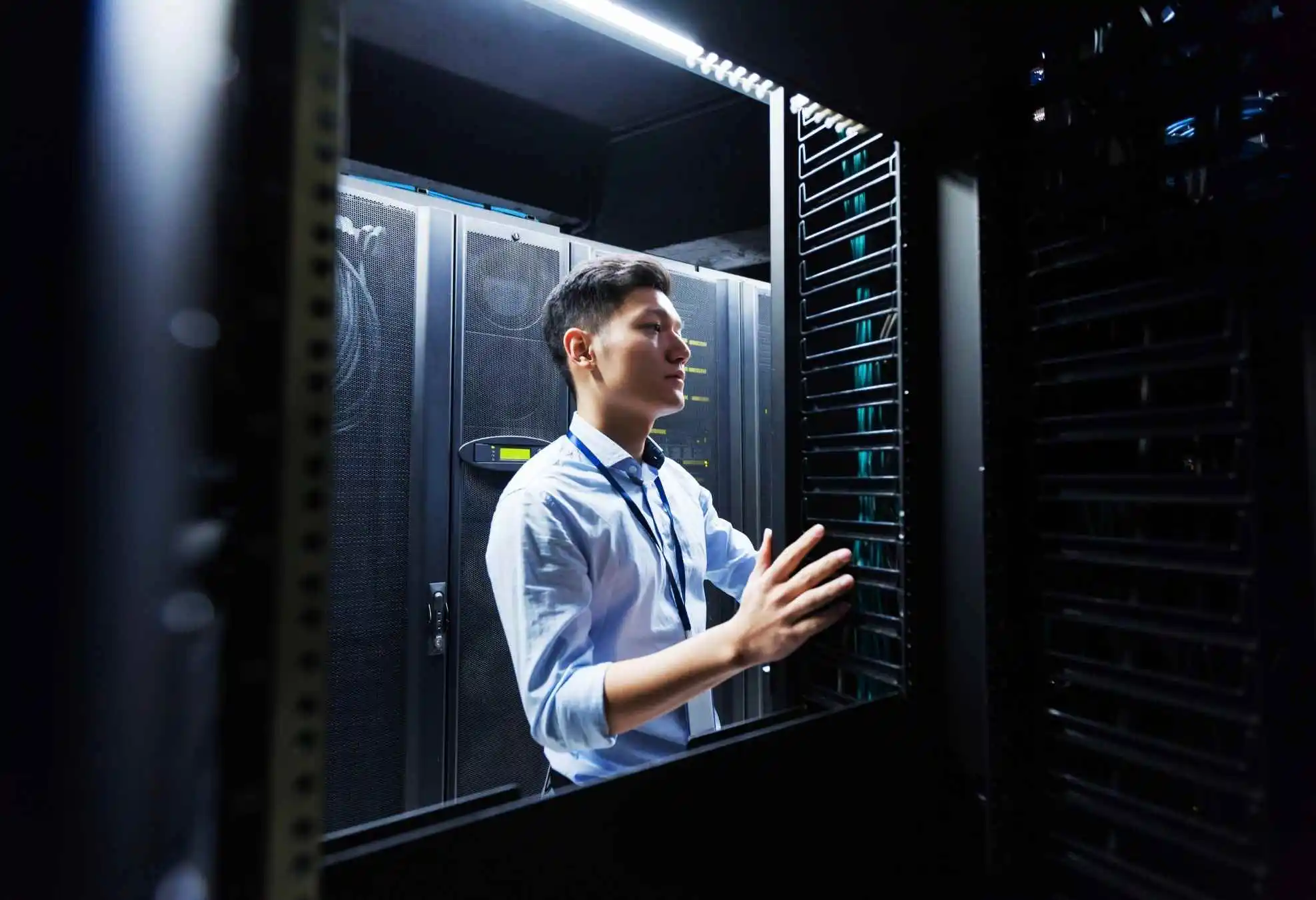
An IT engineer is inspecting data center servers.
Upgrades also make sense when evaluating downtime risks. If a component can be replaced or enhanced without disrupting operations, the investment may help reduce downtime while maintaining existing assets. In these cases, partial enhancements achieve better cost efficiency than a full refresh.
Strategic upgrades should align with long-term planning. They are most effective when used to extend the lifespan of essential equipment while the organization prepares for eventual modernization.
When upgrades become frequent or start to approach the cost of new devices, a replacement becomes the more sustainable option.
Signs It’s Time to Replace Legacy Systems
Eventually, all technology reaches a point where replacement is the only practical option. Hardware that falls outside its optimal lifecycle risks failure, incompatibility with new applications, and increased exposure to cyber threats.
Replacement becomes necessary when systems no longer meet operational requirements or when rising maintenance costs outweigh the value of continued investment. Some indicators of replacement include frequent system crashes, performance lag, hardware overheating, or difficulty sourcing compatible parts.
Cybersecurity concerns often accelerate the need for replacement. Systems that cannot run current antivirus tools, encryption standards, or security patches increase organizational risk. This is particularly concerning given the prevalence of the most common cybersecurity threats, which increasingly target unpatched systems and unsupported software.
Replacement becomes a strategic priority when aging devices can no longer meet baseline security standards. Growing data volumes, larger user bases, and new operational needs require updated systems that can handle expanded workloads.
When older systems no longer support future growth, a full refresh ensures that technology keeps pace with organizational objectives.
Evaluating Total Cost of Ownership
Total cost of ownership (TCO) plays a critical role in determining whether to upgrade or replace aging systems. TCO includes not only the upfront cost of hardware but also maintenance, security, energy usage, downtime losses, and integration expenses.
Older equipment typically costs more to maintain. Replacement parts become harder to source, repairs become more frequent, and support costs rise. Downtime associated with aging systems also carries a significant financial impact.
Productivity losses, missed deadlines, and service disruptions accumulate quickly when equipment fails unexpectedly. In many cases, replacing outdated equipment reduces overall risk and produces better long-term value.
Modern systems are more efficient, compatible with new applications, and equipped with stronger security controls. When replacement costs align with strategic planning, organizations gain a more stable foundation for future operations.
Balancing Longevity with Security and Performance
A balanced technology refresh strategy considers performance, compatibility, risk exposure, and cost efficiency. The goal is not to replace equipment prematurely but to avoid extending its use beyond a reasonable operational threshold.
Monitoring software end-of-life timelines helps determine when updates or patches will no longer be available. Continuous evaluation makes it easier to identify when an upgrade supports ongoing needs and when replacement is the more responsible choice.
These evaluations depend on consistent, dedicated IT support, which helps teams analyze asset performance, anticipate aging issues, and align refresh cycles with budget planning. As technology environments become more complex, accurate asset visibility becomes essential to making informed decisions.
Building a Long-Term Technology Refresh Strategy
Long-term refresh planning aligns technology investments with business goals. An effective strategy begins with asset inventory management, ensuring every device, server, and application is documented and monitored.
This visibility supports predictive analytics that highlight aging equipment, performance trends, and upcoming upgrade requirements. A well-defined refresh cycle supports stable budgeting. Instead of reacting to failures, teams allocate funds for scheduled upgrades, replacements, and modernization projects.
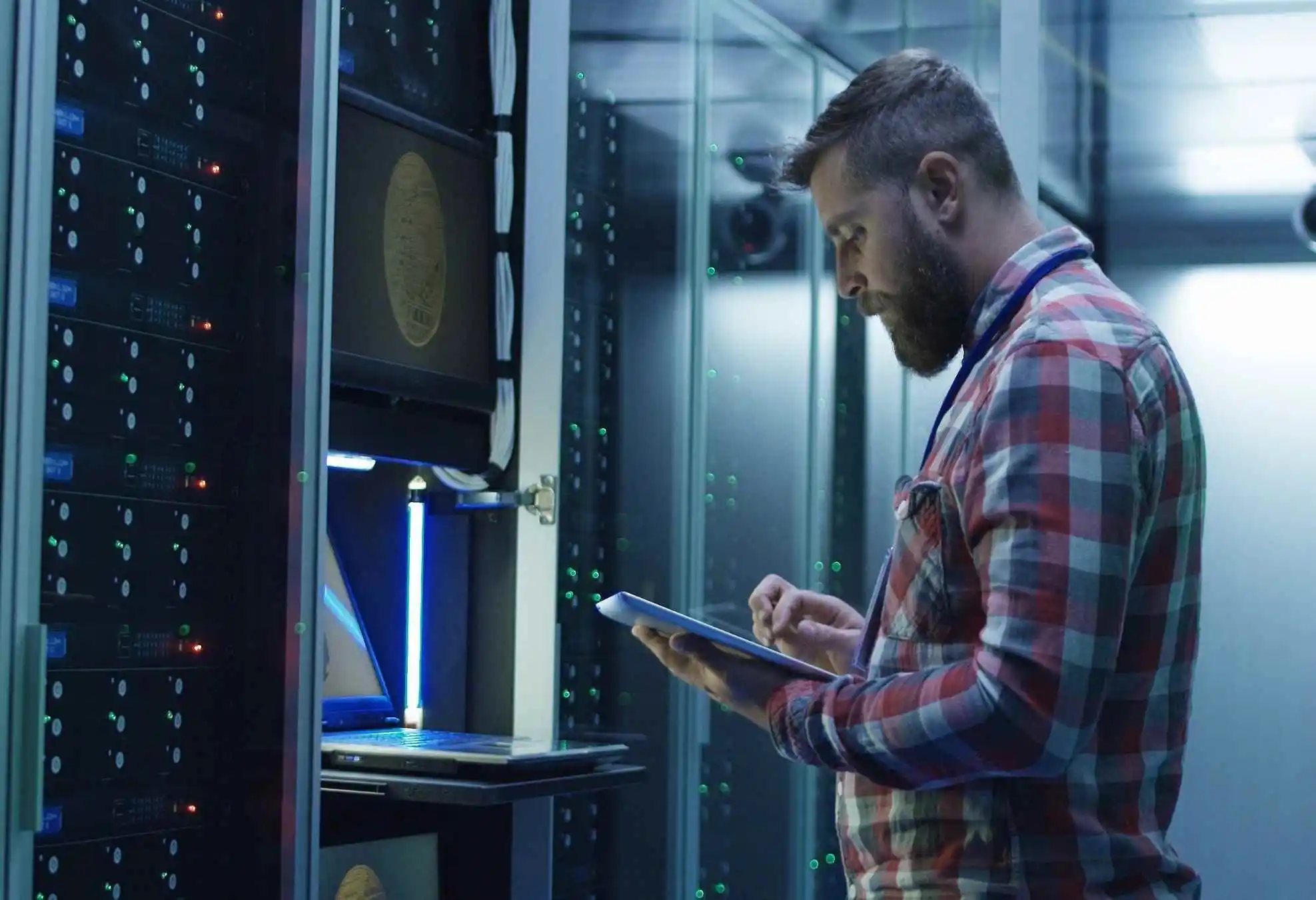
Maintenance engineer using a computer to update server settings.
This predictable approach reduces unexpected costs and supports more sustainable financial planning. Organizations also benefit from developing lifecycle policies that define how long various asset categories should remain in service.
For example, endpoints may follow a three-to-five-year cycle, while servers follow a slightly longer schedule. Aligning these timelines with operational needs keeps technology efficient and secure.
The Benefits of Managed IT Planning
The benefits of hiring a managed IT service provider extend beyond equipment management. Managed providers offer strategic planning, scalable solutions, and future-focused insights that ensure technology investments continue to deliver long-term value. Their proactive oversight helps identify risks early, optimize system performance, and modernize environments efficiently.
Supporting Scalability and Operational Efficiency
A proactive refresh cycle ensures that systems scale effectively without causing bottlenecks. Cloud adoption, hybrid workflows, remote collaboration, and automation all depend on modern infrastructure capable of supporting advanced workloads.
Consistent modernization also enhances user experience. Employees benefit from faster devices, reliable applications, and streamlined workflows that improve productivity. When systems operate smoothly, teams focus on higher-value tasks instead of troubleshooting outdated equipment.
Build a Strategic Refresh Plan with a Trusted Partner
A structured technology refresh cycle helps maintain performance, enhance security, and reduce long-term costs. Modernizing aging systems strengthens operational efficiency, minimizes downtime, and supports safer digital environments built for future growth.
At Be Structured, we help organizations develop refresh strategies that combine asset visibility, predictive analytics, and cost-effective modernization planning. Schedule a free consultation with our team today to align your refresh cycle with your long-term technology goals.
FAQs About Technology Refresh Cycles
1. What is a technology refresh cycle?
A technology refresh cycle is a planned schedule for upgrading or replacing hardware and software to maintain performance, security, and reliability. It helps businesses avoid unexpected failures and budget more effectively.
2. How often should businesses refresh their IT hardware?
Most hardware performs optimally for three to five years. After that point, performance, reliability, and security typically decline.
3. What are the signs that an upgrade, not a replacement, is enough?
Upgrades make sense when core hardware remains stable but needs improved memory, storage, or software capability. Small enhancements can extend lifespan without requiring major investment.
4. When is it better to replace legacy systems entirely?
Replacement is best when systems have frequent failures, can’t run current security tools, or no longer support business applications. Rising maintenance costs are also a key signal.
5. Why does outdated technology increase cybersecurity risks?
Older systems often lack patches and modern security features, making them easier for attackers to exploit. Unsupported software is especially vulnerable to known threats.
6. What factors define the total cost of ownership for aging systems?
TCO includes purchase price, maintenance, energy use, downtime, repairs, and integration expenses. Older systems often cost more to maintain than to replace.
7. How do refresh cycles improve business continuity?
A proactive refresh cycle reduces downtime caused by unexpected hardware failures. Predictable upgrades help teams avoid rushed purchases and service disruptions.
8. How does a technology refresh support scalability?
Modern systems handle larger workloads, cloud computing, automation, and remote collaboration more effectively. This ensures smooth performance as the organization grows.
9. What role does asset inventory management play in refresh planning?
Accurate inventories help identify aging hardware, track performance trends, and prepare for upcoming replacements. This visibility supports smarter long-term planning.
10. How do managed IT services support technology refresh cycles?
Managed providers centralize monitoring, patching, and lifecycle planning to keep systems current. Their strategic guidance helps organizations modernize efficiently and reduce long-term costs.
