

What Is a Local LLM Inference Server?
A local LLM inference server is a GPU-accelerated computing system that runs a large language model entirely on hardware your business owns or controls — with no data sent to cloud AI providers like OpenAI or Anthropic. A starter setup for a 7B parameter model costs $3,500–$6,000 in hardware; a production 70B model server runs $80,000–$120,000+ before factoring in power, cooling, and IT overhead.
Having said that, building a local LLM inference server is one of the most technically demanding infrastructure projects a business can undertake — and one of the most misunderstood. Organizations considering private AI server hosting often underestimate what is actually required: not just GPUs and software, but power capacity, cooling infrastructure, physical space, network architecture, and ongoing operational expertise.
Be Structured’s outsourced IT service consultants believe that running a local LLM server for business involves far more than choosing a model and turning on hardware. From infrastructure requirements to ongoing energy costs, decision-makers need a clear view of the full investment before moving forward. For organizations that lack robust network hardware support, the gap between expectation and reality can be significant.
What Is a Local LLM Inference Server and Why Are Businesses Considering One?
A local LLM inference server is a dedicated computing system, typically GPU-accelerated, that runs a large language model entirely within your own infrastructure, without relying on cloud-based AI services like OpenAI, Google, or Anthropic. Rather than sending queries to an external API, all processing happens on hardware your organization owns or controls.
The business case is compelling on the surface: data never leaves your environment, there are no per-token API costs, and you maintain full control over model selection and customization. For industries with strict data privacy requirements, such as healthcare, legal, finance, and defense contracting, a private LLM hosting service is not just a preference; it may be a compliance necessity.
But the full cost and complexity picture looks very different once you move past the concept. What follows is an honest accounting of what on-premise LLM server setup actually involves.
What Hardware Do I Need to Run a Local LLM?
The hardware requirements for a local LLM inference server scale directly with the size of the model you want to run. LLMs are measured in parameters: the 7 billion, 13 billion, 70 billion, and 405 billion parameter tiers each carry very different infrastructure demands.
The GPU is the critical component. LLMs require massive parallel processing capability, and the GPU’s VRAM (video memory) is the primary constraint. The model weights must fit into VRAM to run at useful inference speeds, and those weights are large.
GPU VRAM Requirements by Model Size
| 7B parameters | Mistral 7B, LLaMA 3 8B | 8–16 GB | NVIDIA RTX 4090 (24GB) |
| 13B parameters | LLaMA 2 13B, Vicuna 13B | 24–28 GB | 2x RTX 4090 or A6000 |
| 30–34B parameters | CodeLlama 34B | 48–64 GB | A100 40GB x2, or H100 |
| 70B parameters | LLaMA 3 70B, Mixtral 8x7B | 80–140 GB | A100 80GB x2, or H100 SXM |
| 405B parameters | LLaMA 3.1 405B | 400GB+ | Multi-node H100 cluster |
For most small to mid-sized businesses exploring a local LLM server for business, a 7B to 13B model running on one or two consumer-grade or prosumer GPUs represents the realistic starting point, not the 70B flagship models that generate most of the press coverage.
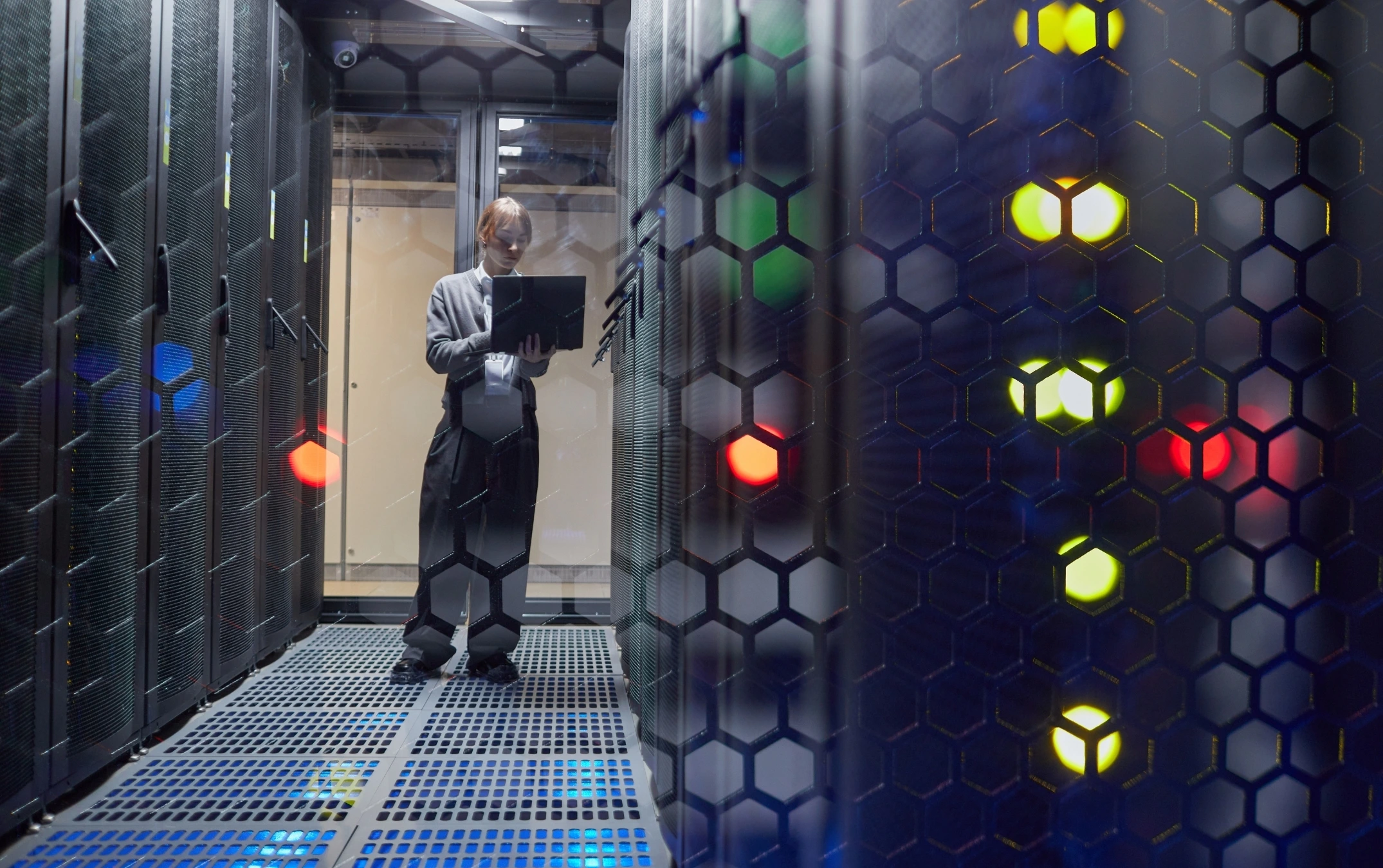
Building a local LLM inference server is quite demanding, especially for businesses that don’t understand what it’s for.
Beyond the GPU, a complete inference server requires:
- CPU: A modern server-grade processor (AMD EPYC or Intel Xeon) with at least 16 cores. The CPU handles pre- and post-processing, tokenization, and system orchestration.
- RAM: System RAM should be at least double the GPU VRAM. For a dual-A100 setup, that means 256–320 GB of ECC RAM.
- Storage: NVMe SSDs for fast model loading. A 70B model in 4-bit quantization occupies roughly 40 GB; full-precision weights can exceed 140 GB.
- Motherboard and PCIe bandwidth: Multi-GPU configurations require PCIe Gen 4 or Gen 5 lanes with sufficient bandwidth to avoid becoming the bottleneck.
- Server chassis: Rack-mounted server chassis designed for high-density GPU configurations (typically 4U or larger).
Estimated Hardware Cost by Configuration
| Single RTX 4090 workstation | 7B models | $3,500 – $6,000 |
| Dual RTX 4090 server | 13B models | $8,000 – $14,000 |
| Dual A100 40GB server | 34–70B models | $35,000 – $55,000 |
| Dual H100 80GB server | 70B+ models | $80,000 – $120,000+ |
| Multi-node H100 cluster | 405B models | $400,000+ |
These figures represent hardware only before software, networking, installation, power infrastructure, or cooling.
What Are the Power and Cooling Requirements for an LLM Server?
This is where many businesses encounter their first major surprise. AI infrastructure is, at its core, an energy challenge as much as a compute challenge.
According to data projections and what we’ve experienced at Be Structured, AI workloads are expected to account for 75% of data center energy demand by 2030, which is a figure that reflects just how power-intensive sustained GPU inference really is.
Power draw by configuration:
| Single RTX 4090 workstation | ~150W | ~600W | ~$630/year |
| Dual RTX 4090 server | ~300W | ~1,200W | ~$1,260/year |
| Dual A100 server | ~800W | ~2,500W | ~$2,628/year |
| Dual H100 server | ~1,200W | ~3,800W | ~$4,000/year |
| 8x H100 cluster node | ~3,000W | ~10,000W+ | ~$10,500+/year |
The energy figures above assume continuous inference workloads. For intermittent business use, actual consumption may be 40–60% lower. However, the power infrastructure must be provisioned for peak demand regardless of average utilization, which has implications for your facility.
Cooling is the compounding challenge. GPU servers at these densities generate enough heat to require active cooling systems that go well beyond standard office HVAC.
At the higher end of the spectrum, AI workloads produce sufficient thermal output to necessitate water-cooled or liquid-cooled rack systems — infrastructure that most office environments simply do not have and cannot practically install.
Facility power requirements add another layer of complexity. A dual-H100 server drawing 3,800W at peak requires a 20-amp dedicated 240V circuit at minimum, and most offices have neither the electrical panel capacity nor the physical wiring to support it without significant renovation.
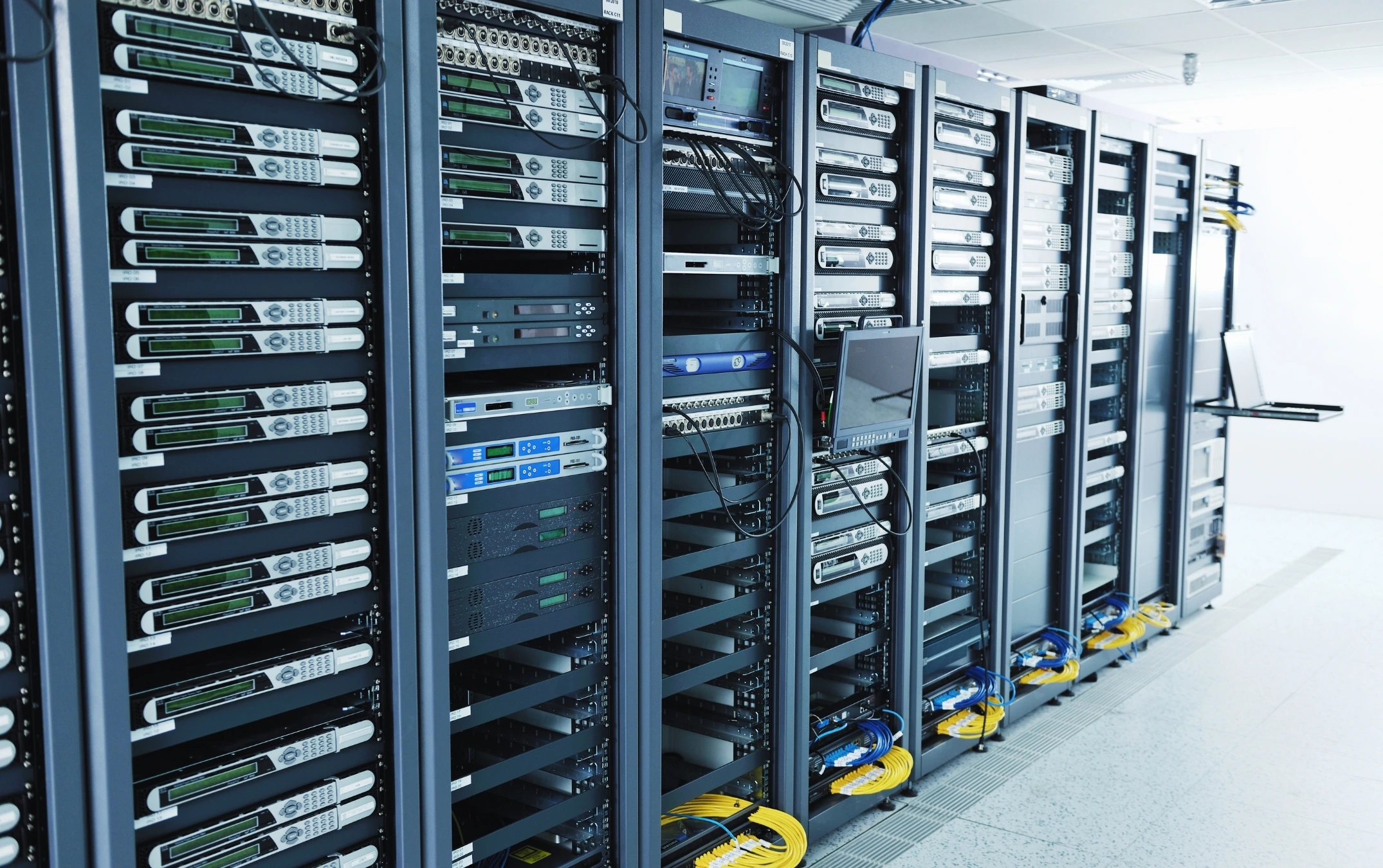
Operating server racks demands a lot of energy use.
For multi-GPU clusters, you are looking at a three-phase power infrastructure typically found only in purpose-built data center environments.
Research and infrastructure analysts have consistently shown that power availability, not GPU supply or software capability, has become the primary limiting factor for AI deployment even at major enterprise organizations. If Fortune 500 companies are hitting power ceilings, small businesses face the same constraint at a fraction of the budget.
Is It Cheaper to Self-Host an LLM or Use Cloud AI?
This is the question that drives most of the conversation, and the answer is more nuanced than most vendors on either side will tell you.
The break-even analysis depends heavily on usage volume. Cloud AI APIs are priced by token. OpenAI’s GPT-4o charges approximately $2.50 per million input tokens and $10 per million output tokens at current rates. For a business sending 50 million tokens per month, that is $125 per month in API costs, before factoring in output.
Against that, a self-hosted 7B model on a single RTX 4090 workstation costs roughly $5,000–6,000 upfront plus ~$630/year in energy. At $625/month in avoided API costs, the hardware pays for itself in under a year, on paper.
What the break-even analysis typically omits:
- IT staff time for setup, maintenance, model updates, and troubleshooting
- Facility upgrades for power and cooling (potentially $5,000–$50,000+)
- Networking infrastructure for secure access by multiple users
- Downtime costs when the server requires maintenance
- Software licensing for inference frameworks, monitoring, and security tools
- Model quality gap — a self-hosted 7B model is meaningfully less capable than GPT-4o or Claude Sonnet
The honest conclusion: self-hosting is cost-competitive only when usage volume is high, data privacy requirements justify the premium, and the organization has the IT infrastructure and expertise to support it. For most small businesses, managed IT services that include AI infrastructure support will deliver better value than attempting a fully independent deployment.
Cloud AI vs. Self-Hosted LLM: Total Cost Comparison
| Upfront hardware cost | $0 | $5,000–$14,000 | $80,000–$120,000 |
| Monthly API/compute cost | $200–$2,000+ | ~$55/month (energy) | ~$350/month (energy) |
| Facility/power upgrades | $0 | $0–$5,000 | $10,000–$50,000+ |
| IT staff overhead | Low | Medium | High |
| Model capability | High (GPT-4o, Claude) | Moderate (7–13B) | Good (70B) |
| Data privacy | Depends on vendor | Full control | Full control |
| Break-even timeline | N/A | 6–18 months* | 3–5+ years* |
Assumes high-volume inference workloads. Break-even extends significantly at lower usage volumes or when facility upgrades are required.
How Do I Set Up a Private AI Inference Server for My Business?
Setting up a private AI inference server involves more than assembling hardware. Here is Be Structured’s step-by-step process that reflects a realistic deployment path for a business environment.

Setting up a private AI inference server is made easier with the help of a managed IT service company.
- Define your use case and model requirements. Before purchasing any hardware, determine what you actually need the LLM to do. Internal document Q&A, code assistance, customer service drafting, and data extraction each have different performance requirements and acceptable model sizes. This determines whether a 7B or 70B model is appropriate — and therefore your entire hardware budget.
- Assess your facility’s power and cooling capacity. Have an electrician evaluate your panel capacity, dedicated circuit availability, and the feasibility of the cooling load your target configuration will generate. If your office cannot support the power draw, address this before purchasing hardware, not after.
- Select and procure your GPU server hardware. Based on the model size you identified in step one, select GPU(s), server chassis, CPU, RAM, and storage. Source from reputable enterprise hardware vendors with warranty support. Consumer GPUs (RTX series) are cost-effective for smaller models; professional-grade GPUs (A100, H100) are required for larger deployments and offer significantly better reliability and support.
- Evaluate colocation as an alternative to on-premise. If your facility cannot support the power and cooling requirements, data center colocation is a compelling middle path. You own the hardware and maintain full control over your data and model, but the server lives in a facility with proper power, cooling, physical security, and network infrastructure already in place. This eliminates most of the facility upgrade cost while preserving the privacy benefits of private AI server hosting.
- Install and configure your inference framework. Popular options include Ollama (beginner-friendly, excellent for smaller models), vLLM (production-grade, optimized for throughput), and llama.cpp (highly optimized for CPU and consumer GPU inference). Each has different installation requirements, performance profiles, and API compatibility.
- Secure your inference endpoint. By default, most inference frameworks expose an unprotected API. Before connecting any business data or users, implement authentication (API keys or OAuth), TLS encryption for all traffic, network architecture to restrict access to authorized users and systems, and audit logging for all inference requests.
- Integrate with your business workflows. Connect your inference server to the applications and workflows that will use it, such as internal tools, document management systems, customer service platforms, or developer environments. Test thoroughly with realistic workloads before rolling out to end users.
- Establish a monitoring and maintenance cadence. GPU servers require active monitoring for temperature, power draw, VRAM utilization, and inference latency. Model updates, driver updates, and framework updates must be applied regularly. Plan for maintenance windows and consider redundancy if the use case is business-critical.
Private AI Server Hosting: On-Premise vs. Colocation vs. Cloud
| Data sovereignty | Full | Full | Partial (depends on vendor) |
| Upfront cost | High | Medium-High | None |
| Ongoing cost | Low (energy) | Medium (rack/bandwidth fees) | Variable (per-token) |
| Facility requirements | Significant | None | None |
| Scalability | Limited by hardware | Moderate | Instant |
| IT overhead | High | Medium | Low |
| Best for | High-volume, compliance-driven | Privacy-focused, facility-constrained | Variable workloads, lower volume |
FAQ: Local LLM Inference Server for Business
Q: What is a local LLM inference server?
Think of it as your business’s own private version of ChatGPT, running on a server in your office or a data center you control. Instead of typing a question into a website that sends your data to OpenAI, Anthropic, or Google, every query stays inside your network and is answered by hardware your organization owns.
The “inference” part refers to the act of generating a response from a trained AI model — as opposed to training the model from scratch, which is a far larger undertaking that requires hundreds of GPUs and is not something most businesses do themselves. A local inference server is purpose-built for that single job: taking a user’s prompt, running it through an open-source model like Llama, Mistral, or Mixtral, and returning the answer — all without any external API call, internet round-trip, or third-party logging.
Organizations choose this setup for three main reasons: regulatory requirements (HIPAA, attorney-client privilege, ITAR, CJIS) that prohibit sending sensitive data to external AI providers, predictable costs at high query volumes, and the ability to fine-tune models on proprietary data without exposing that data to a vendor. It is most common in healthcare systems, law firms, financial services, defense contractors, and government agencies — though increasingly, any business handling confidential client information is evaluating whether private AI infrastructure makes sense for its risk profile.
Q: Can I run a local LLM on a regular office computer?
Technically yes, but practically no for any business use case. A typical office desktop or laptop with 16GB of RAM, an integrated GPU, and a consumer CPU can run very small quantized models (1B–3B parameters like TinyLlama or Phi-3 Mini) using lightweight frameworks like Ollama or llama.cpp — but inference speeds will be slow (often 2–5 tokens per second), output quality will be noticeably weaker than ChatGPT or Claude, and the computer will be largely unusable for other work while the model runs.
For a usable business-grade local LLM, you need a dedicated machine with a discrete GPU containing at least 8GB of VRAM (for 7B models) or 24GB+ (for 13B models). A standard office PC lacks the VRAM, thermal headroom, and sustained power delivery to handle these workloads reliably. Attempting production inference on shared office hardware also creates a single point of failure: if the model is running, the employee can’t use their computer effectively, and if the employee needs their computer, the model is unavailable to everyone else.
The minimum realistic entry point for a true business deployment is a dedicated workstation with an NVIDIA RTX 4090 (24GB VRAM) starting around $3,500 — not a repurposed office computer.
Q: What hardware do I need to run a local LLM?
The minimum hardware for a functional local LLM server includes a GPU with sufficient VRAM to hold the model weights (8–24 GB for 7B models, 80–140 GB for 70B models), a server-grade CPU, ECC RAM at roughly double the GPU VRAM, fast NVMe storage for model loading, and a server chassis with adequate cooling.
The GPU VRAM is the single most important specification. If the model weights do not fit in VRAM, the model will run on system RAM or storage, which is 10–50x slower.
Q: How much does it cost to build a local LLM server?
Hardware costs range from approximately $3,500–$6,000 for a single-GPU workstation capable of running 7B models, to $80,000–$120,000+ for a dual-H100 server capable of running 70B models. These figures exclude facility upgrades for power and cooling, networking infrastructure, IT labor, and software.
The total cost of a production-ready private AI inference deployment is typically 1.5–2x the hardware cost alone.
Q: Is self-hosting an LLM cheaper than using cloud AI?
It depends on usage volume and the full scope of deployment costs. At high inference volumes, self-hosting a smaller model can break even against cloud API costs within 6–18 months. However, most break-even analyses omit facility upgrades, IT staff time, maintenance overhead, and the model quality gap between self-hosted open-source models and frontier cloud models.
For businesses with moderate usage or limited IT resources, cloud AI typically delivers better total value.
Q: What are the power requirements for running an LLM server?
Power requirements range from approximately 600W peak for a single RTX 4090 workstation to 10,000W or more for an 8-GPU cluster node. Most office environments cannot support the electrical and cooling demands of mid-to-high-end GPU server configurations without dedicated circuits, panel upgrades, and enhanced cooling.
This is why power availability, not hardware access, has emerged as the primary constraint for AI infrastructure deployment.
Q: What is the difference between on-premise LLM server setup and colocation?
On-premise means the server physically resides in your office or facility, which requires you to provision adequate power, cooling, physical security, and network connectivity. Colocation means your server lives in a third-party data center that provides all of that infrastructure.
You own and control the hardware and software, but the facility overhead is handled for you. For businesses whose offices cannot support the power and cooling demands of GPU servers, colocation is often the most practical path to private AI server hosting.
Q: What is a private LLM hosting service?
Private LLM hosting service refers to running a large language model on infrastructure dedicated exclusively to your organization, either on-premise hardware or collocated servers, rather than on shared cloud AI platforms. It ensures that your data and queries are never processed on multi-tenant infrastructure and gives your organization full control over the model, its configuration, and access controls.
Building a Local LLM Server Is an Infrastructure Decision, Not Just a Technology Decision
A local LLM inference server can deliver genuine value for the right organization. But it is not a plug-and-play project. It is a facilities decision, a power infrastructure decision, a networking decision, and a long-term operational commitment.
For businesses evaluating a move, the honest starting point is not “which GPU should we buy” but “can our facility support this, and do we have the IT resources to maintain it?” If the answer to either question is uncertain, there are better paths than doing it alone.
Be Structured helps Los Angeles businesses evaluate, plan, and deploy AI infrastructure that fits their actual environment. Whether that means on-premise deployment, colocation, or a hybrid approach.
From office relocation involving new server room buildouts, to network installation for secure AI access, to server virtualization that maximizes existing hardware investments, we handle the full infrastructure stack, so your team can focus on what the AI is actually doing for your business.
If you are exploring on-premise LLM server setup or need a partner to assess your readiness, our all-inclusive managed IT services team is the right starting point. Contact Be Structured today.
